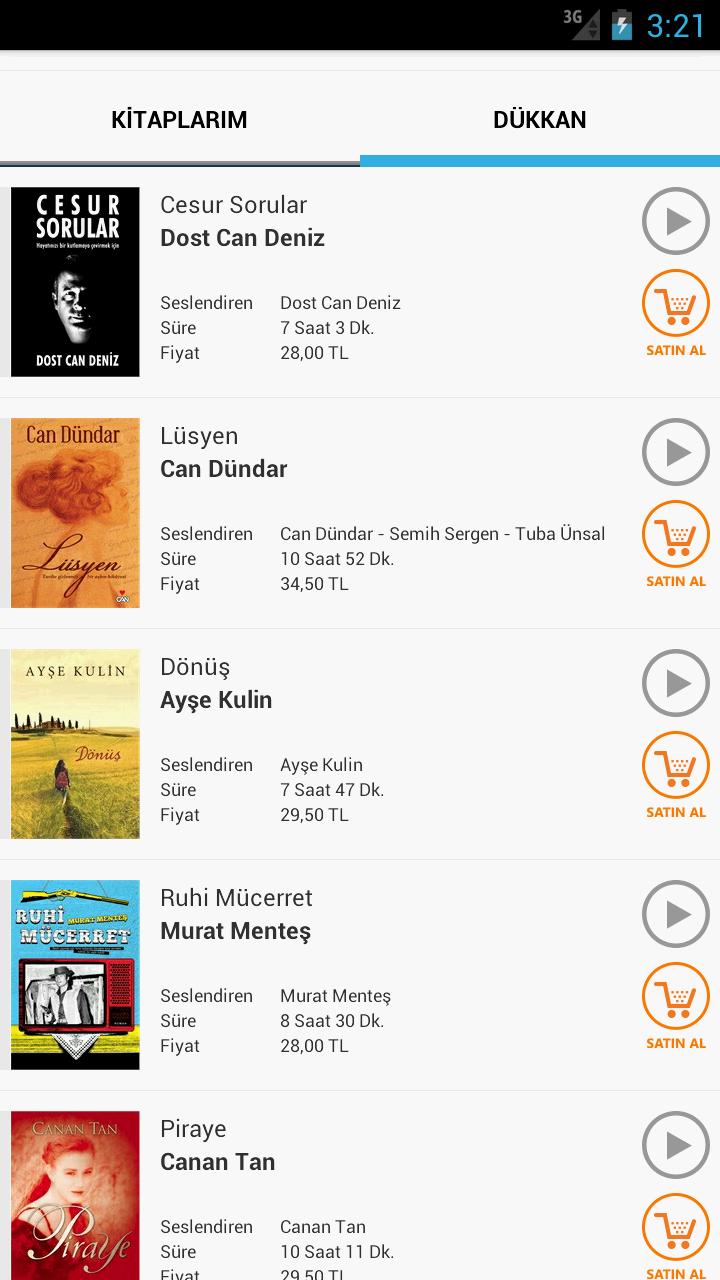
The Calibri font for devices running CyanogenMod 11!
Calibri font from Microsoft for CyanogenMod 11.
Only for use with CyanogenMod 11s Theme Chooser.
How to apply:
1. Go to system settings.
2. Tap themes.
3. Tap fonts.
4. Tap calibri, check the box saying "Fonts".
5. Tap update.
If you want a font uploaded just email me and I will do it as soon as I can.
Thanks to codekidX for his guide on XDA (http://goo.gl/aQuPTw)
Read more



![Calibri Font [CyanogenMod 11]](https://images.verydown.com/uploads/20251228/logo_69513c9c866501.jpg)